OMGBD Register: Questions Before You Open an Account
Opening an account is not hard in itself. The trouble comes later: a wrong number, someone else's wallet, or opening two accounts by mistake. So this page covers more than the steps. It also explains which choices at sign-up save you problems later. There is no form on this guide site. You register in the official lobby.
Where is the free bonus after you register, and why is the 100% first deposit missing? See sign-up bonus and 100% first deposit.
Is there a registration form on this page?
Short answer: No.
This guide only answers the questions. The form is filled in at the official lobby, using the button below.
Can the OTP be sent to someone else?
Short answer: No.
Type the code yourself into the lobby's box. Do not give it to a chat, a caller or an agent.
Who can open an account?
Short answer: Only people aged 18 or over, in their own name.
You must confirm your age when you register. Later, if verification is asked for during a withdrawal, your documents must match the details you gave. So don't open an account for someone else or with someone else's number.
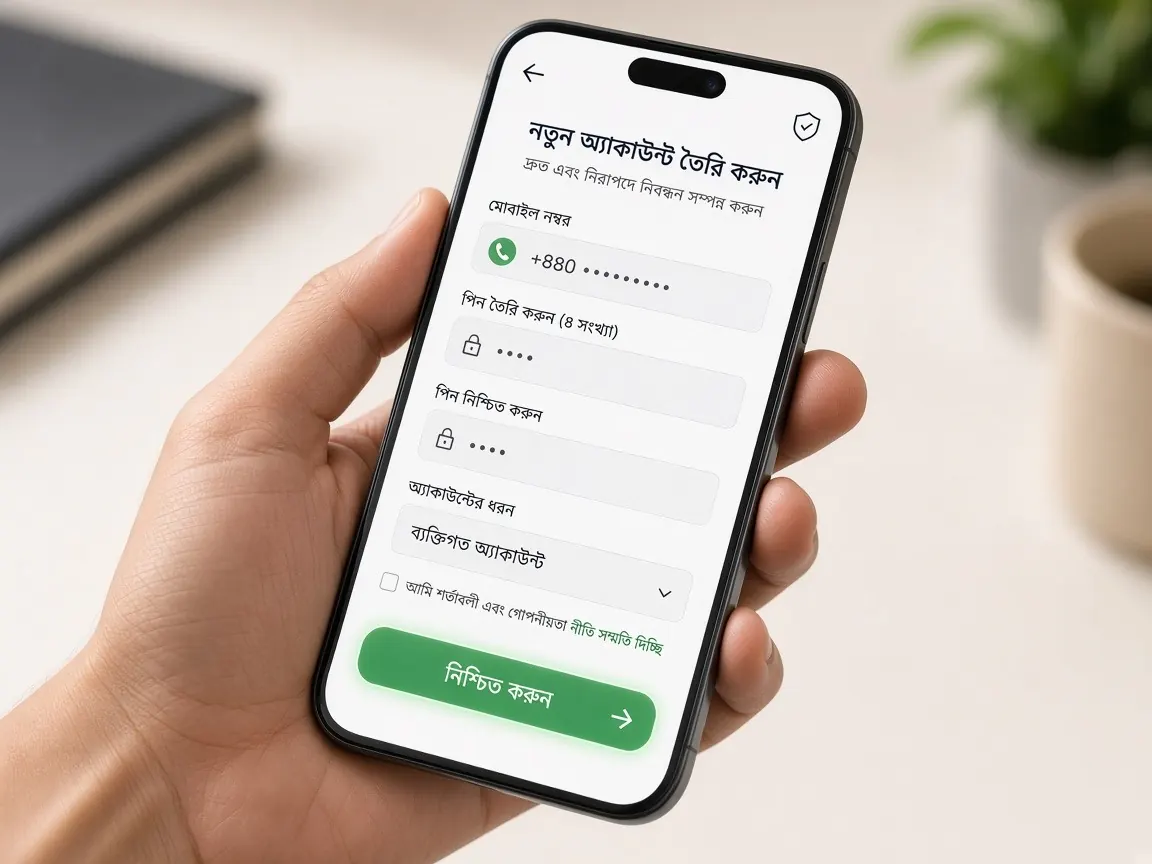
What are the steps to register?
- Open the official lobby with the button on this page.
- Tap the "Register" or "Sign up" button.
- Enter your own active mobile number, one you always keep with you.
- When the OTP arrives, type it in. Don't read the code out to anyone.
- Set a new, strong password, not one you use on any other site.
- Read the rules, confirm you are 18+, and submit the form.
- Once you are logged in, go to your profile and check your details are correct.
Which number should I use: the one with bKash, or another?
Short answer: A number you will keep for a long time and that is in your own name.
Many people use the number that has bKash or Nagad because it is convenient. Check the lobby's rules on whether this is required, but the main point is that both the number and the wallet must be yours. If you use a friend's or a shop's number, you will get stuck later at OTP or verification.
"It says this number is already used"
Short answer: You probably opened an account before.
Instead of opening a second account with a new number, try to log in or reset your password. Many platforms don't allow one person to have multiple accounts. It can cancel bonuses or block withdrawals. If the number isn't yours, tell the lobby's live chat.
What do I do with the referral or promo code box?
If the box is optional, you can leave it empty. If you want to use a code, check that it appears on the lobby's promo page or in an official announcement. Be careful if a stranger says "use my code for extra money", and never send anyone money in exchange for a code. To learn how bonuses work, read the bonus Q&A.
"Should I register in the app or in the browser?"
Short answer: Either one. The account is the same.
The browser doesn't need anything installed, so it is easier for the first time. Later you can log in to the app with the same number and password. If you have app questions, see the app page.
I've registered. What next?
- Before depositing, read the payments guide. Knowing where to send money is the most important thing.
- If you want to finish verification early, see the account verification guide. It makes withdrawals easier later.
- Set a spending limit for yourself on the same day you register.
- Read the game rules first: fishing, slots, color prediction.
What counts as a "strong password"?
Short answer: One nobody else can guess, and that you haven't used anywhere else.
Don't build your password from your name, date of birth or part of your mobile number. Use something a bit long that mixes capital and small letters, numbers and symbols. If the lobby shows password rules (such as types of characters), follow them, or the form won't submit. If you must write the password down, keep it where nobody else will see it.
Mistakes that cost you later
- Opening an account with a family member's number, then losing access to that SIM.
- Using a profile name that doesn't match your ID. This gets stuck at withdrawal verification.
- Opening more than one account for one person.
- "Registering" from an unknown link that is actually a fake site. If in doubt, see the fake sites guide.
When nothing works
- If the OTP doesn't arrive, wait a while and request the code once more. Don't keep pressing.
- If the form won't submit, look for red text or an error message in each box. Often the password rules aren't met.
- Try another browser or an incognito tab.
- If it still fails, contact the lobby's live chat with a screenshot. Don't accept offers from an "agent" to open an account for you for money.
More questions about registering
Does it cost money to open an account?
No. You don't need to deposit anything to register. After you open an account there is a free sign-up bonus, and a 100% match on your first deposit. The terms for both are written on the lobby's promo page. If someone says there is a fee to open an account for you, that is a scam. See the sign-up bonus page for details.
Do I need my national ID (NID) to register?
When documents are asked for is decided by the lobby's rules. In many cases it comes later, when you withdraw. So from day one, spell your name in your profile exactly as it is on your NID. To know in advance which documents might be needed, read the account verification guide.
Can two family members open separate accounts from the same home or Wi-Fi?
If each person uses their own number and their own wallet, they are usually treated as separate people. Still, some platforms hold back bonuses when they see several accounts from the same device or network. So ask the lobby's live chat before you open them. It saves trouble later.
Can I change my name or mobile number after registering?
Some details can be fixed from your profile yourself, but important fields like name and number are often locked once saved. In that case, ask the lobby's live chat and explain why. Don't open a new account to fix a mistake. It can cause problems for both accounts.
If I change my mind, can I close my account?
Yes. You can ask the lobby's live chat to close your account or pause it for a while. Before closing, ask whether you can withdraw any remaining balance first. If playing feels like it's getting out of control, don't wait. The responsible play page has ways to set limits.
Never give your OTP or password to anyone. Real support never asks for them. This site is not official. It is only a guide. 18+ only. Play responsibly.