OMGBD app: answers on installing, updating and "it won't open"
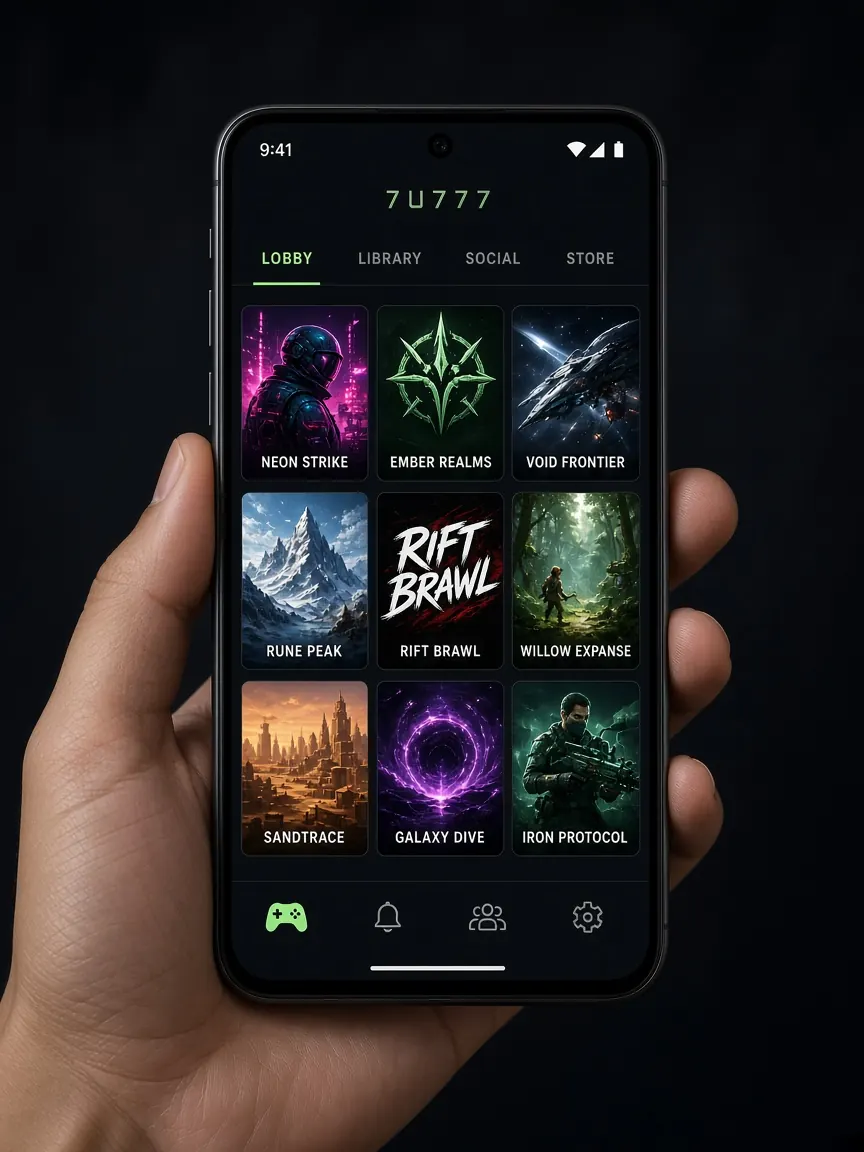
App questions keep coming back to the same few things: where to download it, why the phone shows a warning, what to do on iPhone, and why it will not open after installing. Below, each question gets a short answer first, then the details. The main rule: download only from the Android or iOS button in the official lobby — never from a third-party APK site or group.
See the app button in the lobby
Do I really need the app?
Short answer: No, it is not required.
If you open the lobby in Chrome or Safari on your phone, you can usually play, deposit and withdraw there. The app gives you a home-screen icon, faster opening and sometimes notifications. If your phone is low on space or the install gives you trouble, the browser is a good choice.
How do I install the app on Android?
- Open the lobby with the button on this page and tap the Android or download button.
- When the download finishes, open the file from the notification or your Downloads folder.
- If it is an APK file, your phone may ask for "install from unknown sources" permission; allow it for your browser for this install only.
- After the install, you can turn that permission off again if you want.
- Open the app and log in with your own number and password.
"My phone says the file may be harmful" — what now?
Short answer: Any APK from outside the store shows this warning — but if you are not sure where the file came from, stop.
If you downloaded the file from the lobby button, this is a normal warning. But if the file came from Telegram, Facebook or a "mod app" website, do not install it. A fake app can look just like the real one and still steal your login details or your wallet OTP. If the app asks for unusual permissions during install, such as reading SMS or drawing over other apps, be suspicious.
What should I do on iPhone?
Short answer: Follow the instructions on the lobby's iOS button; otherwise, play from Safari.
If the iOS button works, follow what the screen tells you. If you are asked to install a profile or configuration, read carefully what permissions it wants. As another option, open the lobby in Safari and choose "Add to Home Screen" from the share menu to get an app-like icon.
"I can't find it on the Play Store"
Apps for gaming platforms are often not in the official stores. Even if you find something with the same name in a store, you cannot be sure it is real. The reliable source is the lobby button. More details are in the download guide.
It installed, but it won't open or keeps closing
- Restart your phone and try again.
- Go to the app's settings and clear the cache.
- Uninstall the old version and download it fresh from the lobby button.
- If a system update is waiting on your phone, install it; very old Android versions can cause problems.
- Switch between Wi-Fi and mobile data and try again.
Login works in the app but not in the browser (or the other way round)
It is the same account, so this is usually a problem with the device or saved data. Delete the old auto-filled password and type it by hand. Other fixes are in the login Q&A.
"How do I get the app update?"
Short answer: Download the new version from the lobby button and install it over the old one.
Apps from outside the store often do not update by themselves. If the app shows an update message, follow it; if not, go to the lobby and use the download button again. If someone messages you an "urgent update" as a separate file, do not open it.
"Which permissions are normal?"
A gaming app usually needs internet access and sometimes permission to show notifications. But if it asks to read your SMS, see your contacts or show screens over other apps, stop and think about where the app came from. If in doubt, uninstall it and play in the browser.
When nothing works
- Skip the app and open the lobby in your browser — your account and balance stay exactly the same.
- Tell the lobby's live chat which phone you use, which Android or iOS version, and what error you see.
- If someone sends you a separate link as the "real app", do not take it; if in doubt, read the fake sites guide.
Having the app close at hand makes playing easy, which is exactly why you should set your time and spending limits first. If needed, see the responsible play page.
Quick questions about using the app
Does it cost money to download the app?
Downloading the app from the lobby button has no extra charge. You only use your internet data. If someone asks for money for a "premium version" or a "winning app", it is a scam. No app like that can guarantee a win.
If I uninstall the app, will I lose my balance?
No. Your balance and transaction history are kept in your account, not on the phone. Reinstall the app or open the lobby in your browser, log in with the same number and password, and everything will be there. Just make sure you remember your password first.
Why does another app open when I deposit with bKash from the app?
During a deposit, the cashier may send you to a bKash, Nagad or Rocket page or app. That is normal. Don't close either app until the payment is finished, and save the transaction ID. To check which number to send to, see the payments page.
Can I turn off the app's promo notifications?
Yes. Go to your phone's settings, pick OMGBD from the app list and turn notifications off. Frequent offer messages make many people play more than they planned. If you want to decide your own playing time, keeping them off is a good idea. More ways are on the responsible play page.
The app keeps freezing on a weak network. What should I do?
Live casino and games with video need more data and a better connection than normal pages. If your signal is weak, switch to Wi-Fi or choose a lighter game. If the connection drops in the middle of a bet, check the result in the lobby's bet history instead of guessing and betting again.
See the app button in the lobby
This is not the official OMGBD site, and no app is provided from here. 18+ only.