
OMGBD bKash, Nagad, Rocket: straight answers for deposit and withdrawal problems
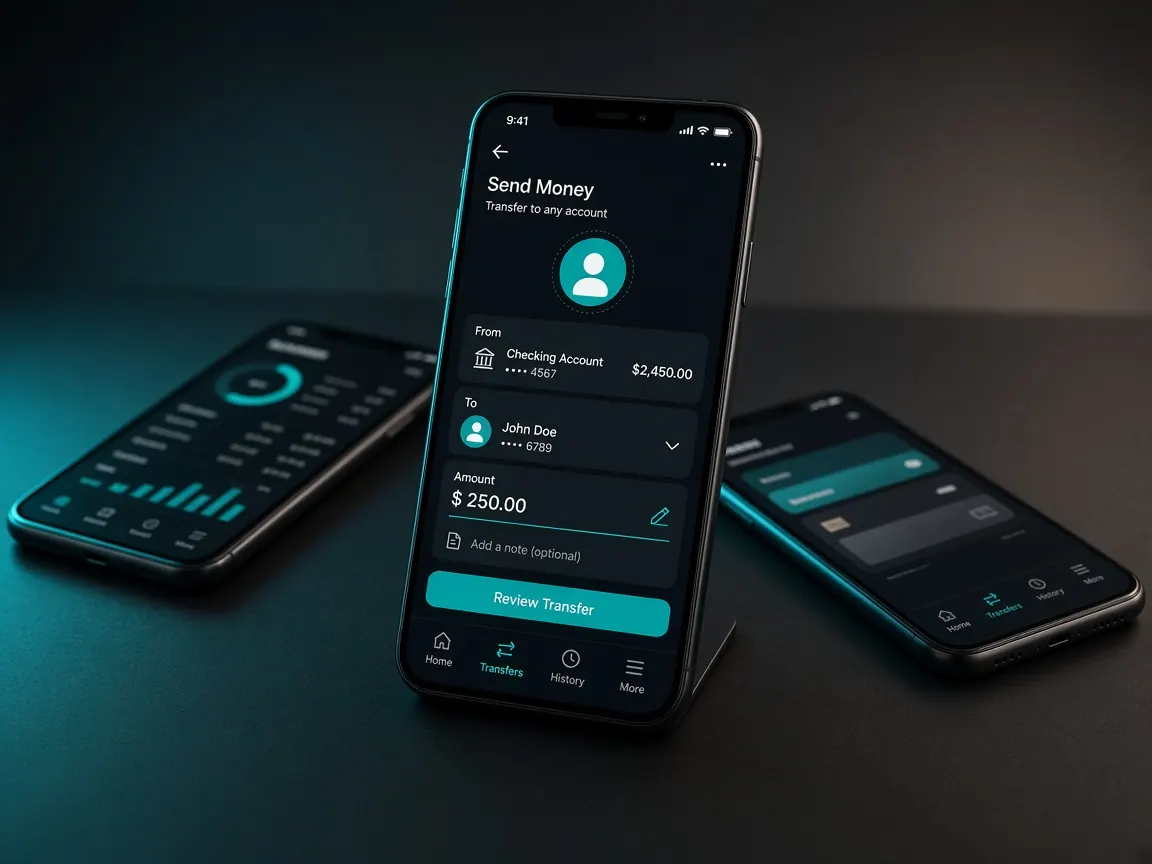
Money questions can't wait, so this page is organised around the problems themselves. What we hear most: "Money was deducted but it's not in my balance", "Which number do I send to?", "Why is my withdrawal stuck?" Each one has a short answer first. We don't give any numbers for fees, minimum-maximum limits or times. Those are shown in the lobby's cashier and can change.
Go to the lobby to open the cashier
What is the right way to deposit?
- Log in to the official lobby and open the Cashier or Deposit.
- Choose the one you will use: bKash, Nagad or Rocket.
- Enter the amount, within the limits shown in the cashier.
- Send only to the number or payment page the cashier shows you.
- Save the transaction ID from your wallet message. If asked, enter it in the cashier box.
Each wallet's details are on its own page: bKash · Nagad · Rocket.
"Money was deducted but it's not in my balance"
Short answer: Don't send it again. Take the transaction ID to live chat.
First check your wallet message: did the transaction really succeed, and which number did it go to? If it's the same number the cashier showed, check whether the deposit shows as pending in the lobby history. If it still hasn't arrived after a while, give live chat the transaction ID, amount, time and a screenshot. Showing the same receipt twice or sending new money makes the accounting take even longer.
"Someone in chat gave me a different number. Should I send there?"
Short answer: No.
Someone on Facebook, WhatsApp or Telegram gives a personal bKash or Nagad number and says "send here, I'll load it for you". This is the most common scam. There's no guarantee that money reaches your account, and the lobby's support can't trace it either. Details: agent and scam warning.
"I sent money to the wrong number"
Short answer: Tell your wallet provider's official helpline right away.
Money sent to a wrong number is out of the lobby's hands. If you give the wallet company the transaction ID, they will look into it under their rules. The sooner you tell them, the better.
What should I watch for when withdrawing?
- Use a wallet number registered in your own name. Withdrawals to someone else's number can get stuck.
- If any bonus is active, check its play-through terms first. See the bonus Q&A.
- If verification is asked for, upload clear photos only through the lobby's upload option.
- Don't make a new request while one is pending.
The full step-by-step process, and what to do if it gets stuck, is in the withdrawal guide.
"My deposit shows pending. How long should I wait?"
Short answer: We can't give an exact time. What the cashier says is the standard.
Depending on the method, the time and the network, a deposit may take a while to be added. Don't send money a second time while it's pending. If the time written in the cashier has passed, or no time is written, wait a reasonable while and then check with live chat using your ID.
A sample message to support
"My account number is [your number]. Today at [time] I deposited [amount] taka from bKash, transaction ID [ID]. My wallet shows it as successful but it hasn't reached my balance. Screenshot attached." Writing like this means support doesn't have to ask you anything back. Never write your password, OTP or wallet PIN.
Mistakes we see again and again
- Sending money to a number from an old screenshot. Check the cashier's number fresh every time.
- Assuming limits or offers from a promo banner. The cashier's information is what's real.
- Not keeping the reference or transaction ID.
- Showing the same deposit receipt twice.
- Depositing from a friend's wallet and wanting to withdraw to your own.
When nothing works
- Stop all transactions. Don't try a new deposit or withdrawal.
- Keep your proof in one place: ID, amount, time, screenshots, account number.
- Send the lobby's live chat one well-organised message and note down the ticket number. For how to talk to them, see the support guide.
- If anyone asks for a "quick fix fee" while you wait, know that it's a scam.
Only deposit money you could lose without hurting your essential spending. Don't deposit more to win back lost money. If playing starts to feel like pressure, see the responsible play page.
Go to the lobby to open the cashier
This site is not official and does not accept any money. Fees, limits and withdrawal times shown in the lobby's cashier are final. 18+ only.