
Something feels off with your OMGBD account? Security by symptom
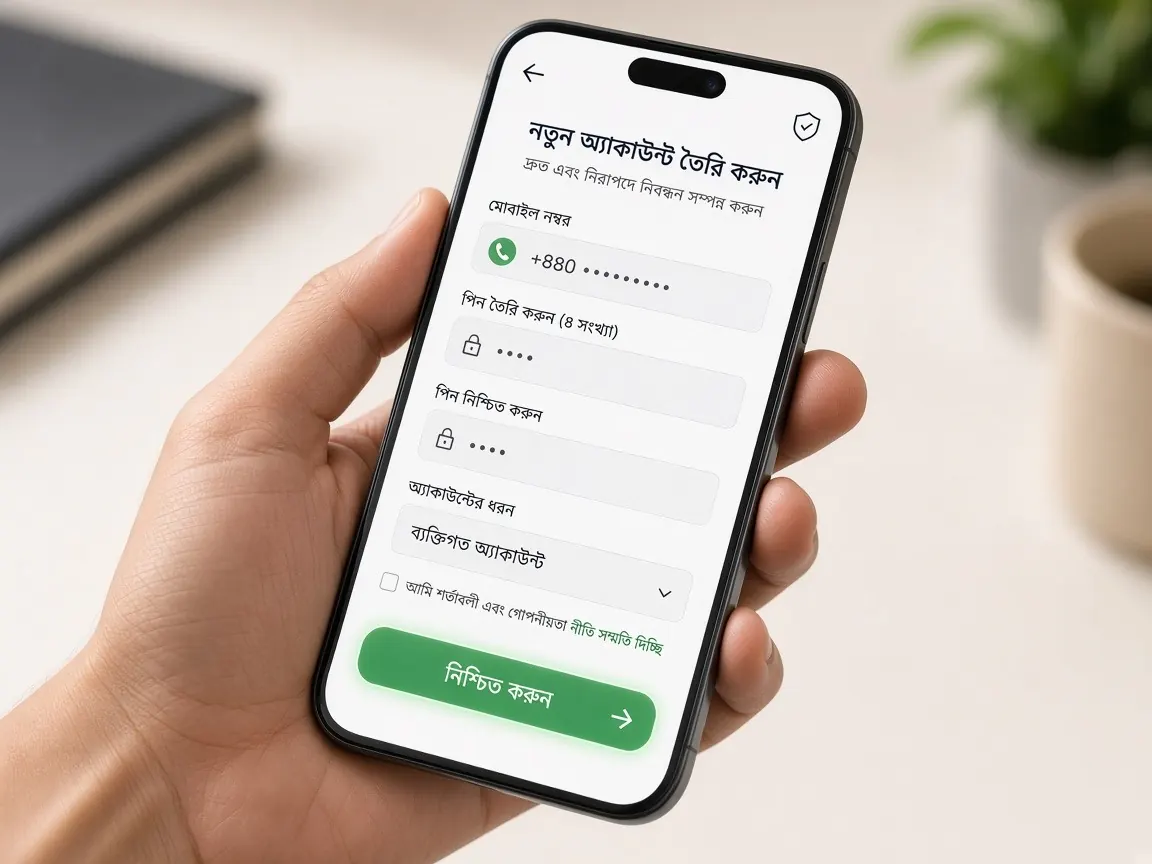
General account security advice is easy to find. This page is arranged differently: start from the sign you've noticed (an unknown login, a balance that suddenly changed, a password that changed by itself, a suspicious message) and see what to do right now, step by step. At the end there's a short list of habits that lower the risk.
I think someone else got into my account. What do I do right now?
Short answer: change the password, sign out other devices, then tell chat.
- Open the lobby with this site's "official lobby" button, not a link from a message.
- Change your password from the profile or security menu. If you don't remember the old one, use the reset option on the login page.
- If the lobby offers "log out of all devices" or a list of active sessions, use it.
- Open the transaction history and bet history and look for anything you didn't do. If you find something, screenshot it.
- Send all the screenshots and why you're suspicious to lobby live chat.
If you've used the same password on any other site or email, change those too.
Writing down why you're suspicious helps too. For example: the name or wallet number in your profile has changed, you got a login notification you didn't trigger, or the lobby says you're already logged in on another device. Giving these details in chat helps support see where to look. If the withdrawal wallet number in your profile looks unfamiliar, point that out specifically, and wait for chat's reply before making any new deposit.
My balance is lower, but I didn't play. Where do I look?
Short answer: history first, suspicion second.
- Bet history: are the last few games yours? Sometimes a game left running from an earlier session or auto-play uses up balance. How to read it: bet history guide.
- Transaction history: is there a withdrawal request you didn't make? If it's still pending, tell chat without delay.
- Balance type: if the lobby shows real and bonus balance separately, check both. Bonus terms apply as shown in the lobby.
If everything in the history is your own activity, the problem isn't security. If there's anything unfamiliar, follow the steps in the first section above.
My password isn't working, but I never changed it?
Short answer: first make sure you're on the real lobby.
A fake login page can show even the right password as "wrong", and whatever you type there goes to someone else. How to check the address is in the official site guide. If it fails on the real lobby too, set a new password with the reset option. If the reset code doesn't reach your registered SIM, or the lobby says the number has changed, tell chat straight away that you can't get in and suspect someone else changed it.
Don't open a new account in this situation. The old account's balance and history won't carry over, and having several accounts can raise questions during verification later. Recall your registration number, name and when you last logged in, and give those to chat.
Someone is asking for my OTP or PIN. Are they real support?
Short answer: whoever asks, don't give it.
- The OTP is only for you to type into the lobby's field. Telling someone means handing over the key to your account.
- Your bKash, Nagad or Rocket PIN is never needed to get into the lobby. Being asked for it is a warning sign.
- Urgent messages like "your account will be closed, verify now" are usually a pressure tactic.
- If someone on Facebook, Telegram or WhatsApp says they're support or an "agent", give them nothing there; go to the lobby chat directly and check. More in the fake sites guide.
I lost my phone, or my SIM is in someone else's hands. How do I protect the account?
Short answer: block the SIM, then change the password from another device.
First ask your operator's customer care to block the SIM, then get a replacement with the same number. After that, log in to the lobby from another trusted device and change the password. If your login was saved in the lobby or app on that phone, let lobby chat know the device is lost. Do the same for your wallet app by contacting the wallet's own support.
Logging in on a new phone needs only your number and password, never your wallet PIN. After setting up the new phone, check whether any saved password came back from an old phone backup.
I was logged in on a shared or old phone. What should I clean up?
Short answer: log out, delete saved passwords, then change your password.
- Open the lobby or app on that phone and log out.
- Remove the lobby details from the browser's saved passwords and autofill.
- If you no longer have the phone, change your password from your own phone; the old one shouldn't work after that.
- In future, don't tap "remember password" on someone else's phone.
Which habits lower the risk?
- Always enter the lobby by the same trusted route, such as this site's button or the real address you saved yourself.
- Don't reuse your OMGBD password anywhere else, and don't build it from your name, birthday or number.
- Get the app only from the lobby's own button; don't open a "new version" someone sends you.
- Glance through your transaction and bet history now and then; anything unfamiliar gets caught early.
- Keep a screen lock on your phone so nobody can open the app directly if it leaves your hands.
Knowing your own spending limits matters as much as security. Ways to set time and money limits are on the responsible play page.
Open the lobby profile and security menu
What should I write when reporting a security problem in chat?
Your registered number or username, what looked wrong, when you noticed it, whether you've changed the password, and screenshots of the history. Never type your password or OTP in a message.
Does the lobby have two-step verification or login notifications?
That depends on the lobby's settings. If the profile or security menu shows such an option, you can switch it on. If not, a strong password and keeping your SIM secure are your main protection.
Someone else played on my account. Will I get the money back?
This guide can't say; the lobby decides. Report it in chat with evidence as soon as possible, and share whatever chat asks for only there.
A family member wants to use my account. Should I let them?
No. An account is for one person, and sharing makes both history and verification complicated. If they want to play and are 18+, they should open their own account in their own name.
This site is not OMGBD's official site, only an unofficial guide; there is no login or account here. Passwords, security settings and support are only in the official lobby, and what the lobby states is final. 18+ only.