
OMGBD lobby or home-screen shortcut won't open? Fixes by symptom
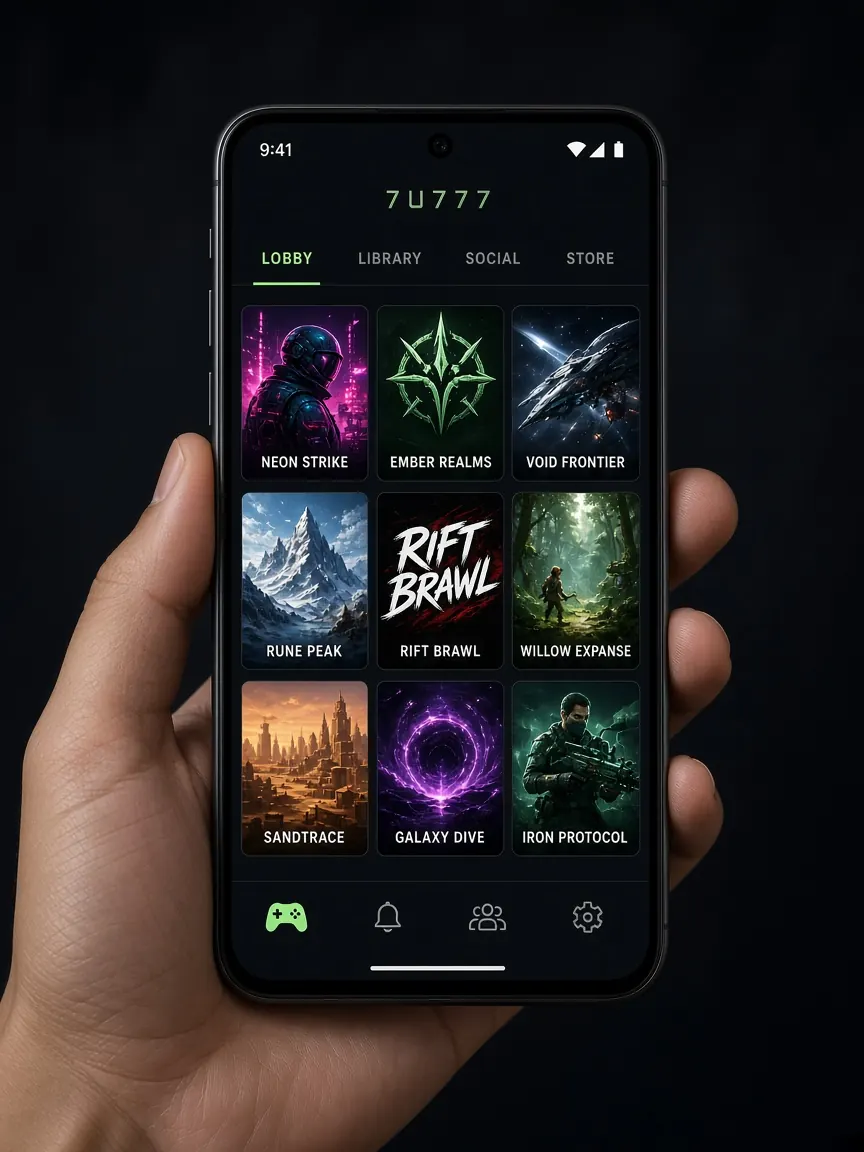
Many people open the lobby in their browser and use "Add to home screen" to make an icon. It looks like an app, but it's really just a browser window. Then one day tapping that icon shows a white screen, an endless spinner or "page can't be opened". This page covers only that browser-based lobby and shortcut; problems with an installed app are on the app page. Jump to the question that matches your screen.
Tapping the icon shows only a white or black screen. What do I do?
Short answer: skip the shortcut and open the lobby directly in the browser.
- Open Chrome or Safari and go to the lobby with this site's "official lobby" button.
- If it opens fine in the browser, the problem is the shortcut, not your account.
- Remove the old icon from your home screen.
- From the lobby open in the browser, use "Add to home screen" again to make a fresh icon.
If the browser also shows a white screen, pull down to refresh once, close all browser tabs and reopen, and restart the phone if needed. If that still doesn't help, go to the cache-clearing section below.
You can also run a small test: if you have another browser on the phone, open the lobby there. If it works in one browser and not the other, the problem is that browser's settings or old data. Update the problem browser from the store, or just make the new shortcut from the browser that works.
Why does it just keep spinning and never fully load the lobby?
Short answer: usually the network or a browser setting is in the way.
- Switch networks: from Wi-Fi to mobile data or the other way round. On weak signal, game pages can load only partly.
- Data saver: if the browser's or phone's data saver or "lite mode" is on, turn it off for a moment and try again.
- Ad blocker: if you have a blocker in the browser or as a separate app, turn it off for the lobby and try.
- VPN: if one is on, turn it off and try again.
- Phone storage: when storage is nearly full, the browser may not work properly.
It says "this site can't be reached" or shows a security warning?
Short answer: check the address first, then the phone's date and time.
An old shortcut or bookmark may point to an address that no longer works. Don't search for a new link; that's where fake lobbies tend to be. Reopen with this site's button, and see how to recognise the real address in the official site guide.
If your phone's date or time is wrong, the browser may show "connection not secure" on many sites. Turn on automatic date and time in settings. But if the address looks unfamiliar and there's a warning, don't force your way through with "proceed anyway".
How do I clear the cache and site data, and will it delete my account?
Short answer: no. It only removes old files stored on the phone; you'll need to log in again.
- Chrome on Android: on the lobby page, tap the icon beside the address to open site settings, then clear that site's data. Or clear the cache from the privacy section of Chrome's settings.
- Safari on iPhone: in the phone's Settings, open Safari, go to the advanced section's website data, find the lobby address and delete it.
- Before clearing, make sure you remember your password. If not, see the login Q&A first.
Menu names vary by phone and browser version. Your account, balance and history live in the lobby, not on the phone, so clearing the cache doesn't lose them.
The shortcut opens, but keeps logging me out?
Short answer: the browser isn't keeping cookies, or you're in private mode.
A shortcut made from an incognito or private tab forgets everything once it's closed. Open the lobby in a normal tab and make a new icon. If cookies are fully blocked in the browser settings, allow them for the lobby. If a battery saver or "cleaner" app regularly wipes browser data, check its settings too. If you're logged in on several phones at once, you can ask chat whether the lobby may sign you out of one of them.
The lobby opens, but no game will start?
Short answer: the problem may be one game, not the whole lobby.
Try opening a different game. If one works and another doesn't, send the game's name and a screenshot to chat. If the game needs the phone turned sideways, check that auto-rotate is on. Some games may not run on a very old browser version, so update the browser from the store. If someone says "install this APK and every game will work", don't take it.
If nothing works, what should I tell support?
If the steps above don't get the lobby open, log in from another device or a computer browser and contact live chat. Put it all in one message:
- Phone model and Android or iOS version
- Which browser, and whether the problem is the shortcut or the browser itself
- A screenshot of what you see: white screen, spinner or a message
- Which steps you've already tried (switching network, clearing cache, new shortcut)
Never type your password or OTP in chat. Don't open a "new link" or separate file someone messages you. And there's no need to go and play on some unfamiliar site because the lobby won't open; taking a short break can be the better call. For time and spending limits, see the responsible play page.
Open the official lobby in your browser
What's the difference between a home-screen shortcut and an installed app?
A shortcut opens the lobby inside the browser, so the browser's cache, cookies and settings affect it. An installed app is a separate program with its own problems and fixes. Either way, the account is the same.
How do I make a new shortcut on iPhone?
Open the lobby in Safari, tap the share icon at the bottom, then choose "Add to Home Screen". If an old icon exists, remove it first so you don't tap the old one by mistake.
How do I make a shortcut from Chrome on Android?
Open the lobby in Chrome, then from the three-dot menu at the top choose "Add to home screen" or an "Install" type option. The menu wording varies by version.
It opens on my computer but not on my phone. Why?
Then the problem is the phone, browser or network. Try another browser on the phone, switch networks, and clear the cache.
This site is not OMGBD's official site, only an unofficial guide; there is no lobby, app file or account here. Login, games and support are only in the official lobby, and what the lobby states is final. 18+ only.